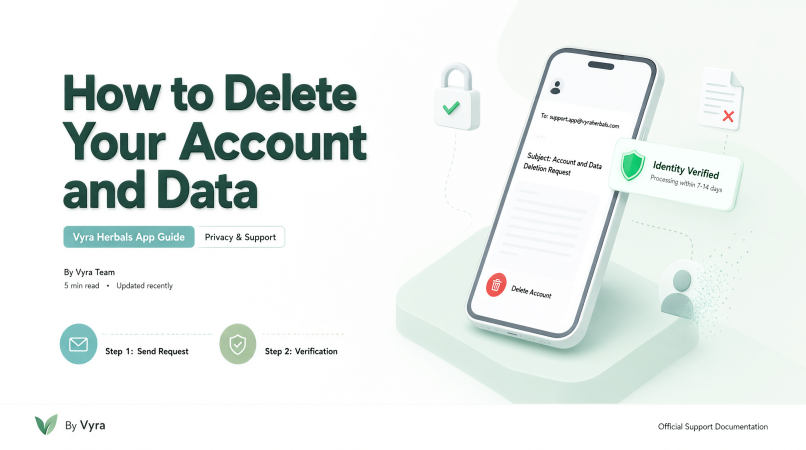
How to Use/Delete Your Account and Data
• From: [email protected] (you registered email/gmail) • To: [email protected] • Subject: Account and Data Deletion Request • Message Body: Please include your registered email address or phone number associated with the app so we can verify your identity.
Step 1: Send a Deletion Request
Click the button below to automatically open a pre-filled email template in Gmail, or manually compose an email using the details provided below.
If the button below does not open your email application, please use the manual details below:
• From: [email protected] (you registered email/gmail) • To: [email protected] • Subject: Account and Data Deletion Request • Message Body: Please include your registered email address or phone number associated with the app so we can verify your identity.
Step 2: Verification and Processing
• Identity Check: For security reasons, our team will verify that you are the rightful owner of the account before deleting any information. • Timeline: Once verified, your account and eligible data will be permanently deleted within 7 to 14 business days. You will receive a confirmation email once the process is complete.